Why I Built My Own Local AI RAG Model (Instead of Using a Big Cloud Stack)
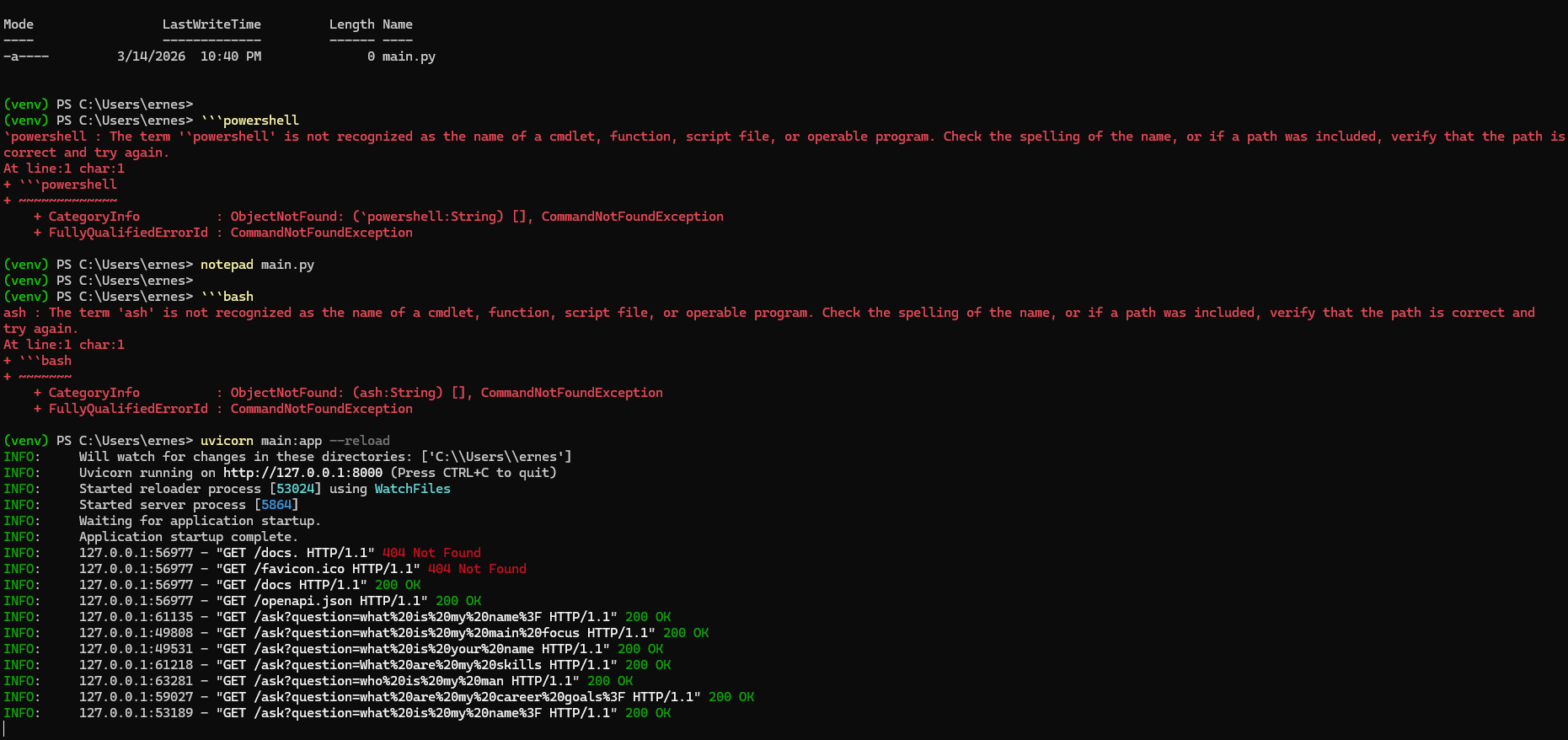
I did this project today to extend my work with RAG models and build one locally. This project took me approximately 2 hours from start to finish of the build. The most challenging part was preparing for the build ahead of time. That took 49 years.
Something has been bothering me about how AI is being built right now.
If you read most tutorials about building AI applications, the stack usually looks something like AWS, managed vector databases, multiple cloud services, and a monthly bill that slowly creeps up.
That approach makes sense for large companies. But the more I work with creators, educators, and small one-person businesses, the more obvious something becomes: most of them don’t need enterprise infrastructure. They need something smaller, simpler, and easier to control.
I spend a lot of time thinking about how information systems actually help people do their work. In my own projects and businesses, I’m constantly juggling notes, product ideas, customer questions, research, drafts, and half-finished concepts. Like many solopreneurs, my work lives across documents, spreadsheets, and scattered files.
AI promises to help with this, but most tools still treat knowledge as something external. You upload documents to a platform somewhere, hope it processes them correctly, and then pay to access your own information through an API.
That started to feel backwards to me.
So I decided to experiment with a different approach: what if I built a small AI knowledge system that runs entirely on my own machine?
Not a massive cloud pipeline. Just a lightweight system that could search my own documents and help me work with them.
That experiment turned into a simple RAG API running locally.
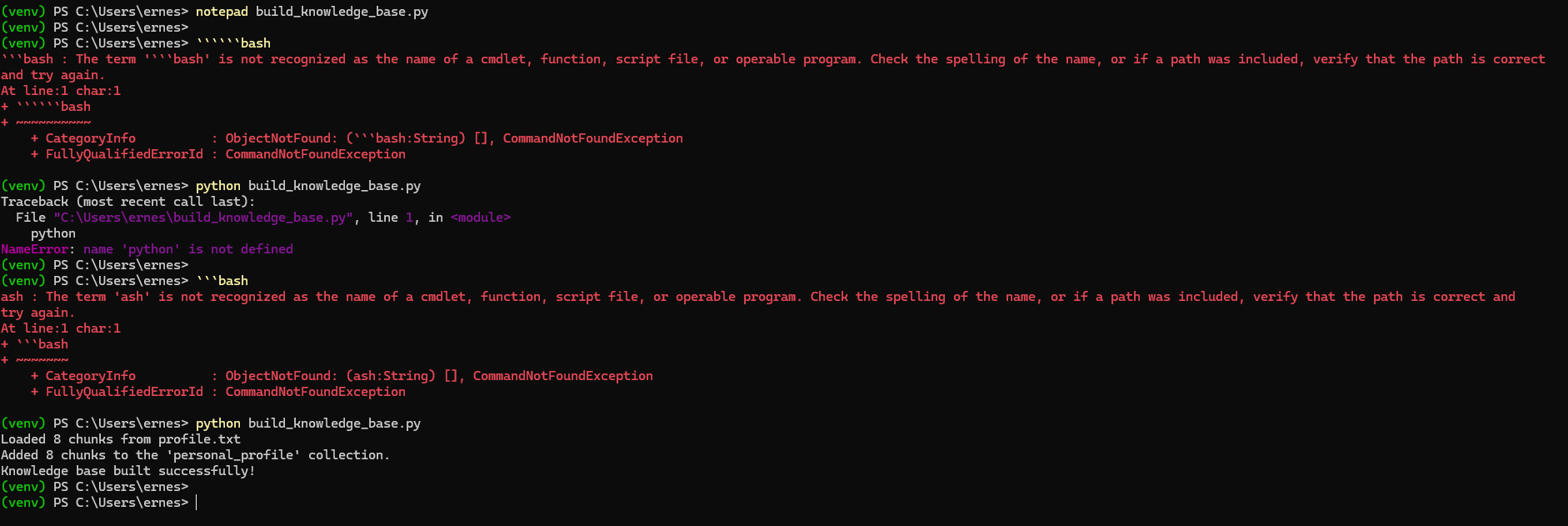
When I ask a question, ChromaDB finds the chunks whose vectors are closest in that high dimensional space.
What I Built
The system is based on a concept called Retrieval Augmented Generation, or RAG.
In plain terms, RAG gives an AI model the ability to look up relevant information before answering a question. Instead of relying only on what the model learned during training, the system retrieves pieces of your own documents and feeds them into the prompt.
This makes the responses far more useful, because the AI is working with your data, not just general knowledge.
To build this, I used three tools that are surprisingly lightweight.
First, I used FastAPI, a Python framework that makes it easy to build small APIs. This acts as the front door to the system. When a question comes in, FastAPI handles the request and coordinates the rest of the process.
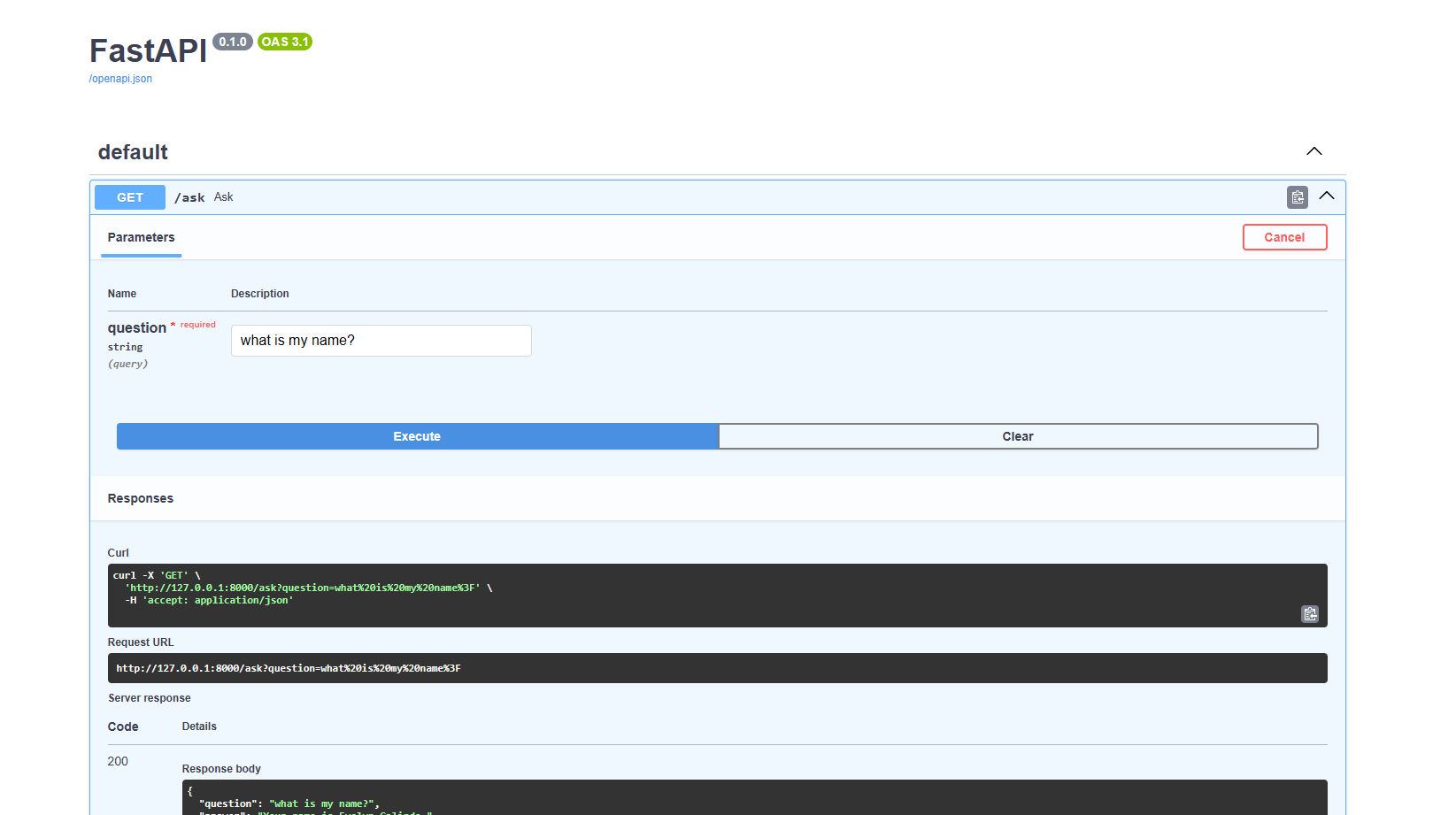
In this step, I built an API that accepts my query and returns an answer. I'll test it using the built in Swagger UI.
Second, I used ChromaDB, which is a vector database. Instead of storing documents as plain text, the system converts them into embeddings—numerical representations that capture meaning. ChromaDB can then quickly find the pieces of information that are most relevant to a question.
Third, I used Ollama, which allows large language models to run locally. That means the AI model generating the answer lives on my machine rather than on a remote server.
The overall flow is fairly simple.
Documents are first added to the system and converted into embeddings. Those embeddings are stored in ChromaDB. When I ask a question, the API retrieves the most relevant pieces of information from the database. Those pieces are then sent to the language model through Ollama, which generates an answer grounded in that context.
Everything happens locally.
No cloud services.
No external APIs.
No infrastructure beyond my own computer.
Why This Matters for Solopreneurs
What surprised me most about this experiment was how small the system could be while still being useful.
Many solopreneurs are sitting on valuable knowledge without realizing it. Product descriptions, customer emails, blog drafts, research notes, and documentation all contain insights that could be reused or repurposed. The problem is that these materials are often scattered across folders and platforms.
A lightweight RAG system turns those scattered materials into something closer to a searchable knowledge base.
Instead of digging through files, you can ask questions like:
What themes show up in my customer feedback?
Turn these notes into a blog outline.
Summarize the key ideas across these documents.
Because everything runs locally, the system is also easier to experiment with. There’s no concern about API costs or uploading sensitive files. You can simply test ideas and see what works.
For solopreneurs, this kind of setup shifts AI from being a distant platform into something closer to a personal working tool.
The Bigger Shift I See Coming
Historically, most AI systems have been centralized. Large companies built the infrastructure, and everyone else accessed it through APIs.
But tools like Ollama, lightweight vector databases, and simple frameworks like FastAPI are making another model possible: small, personal AI systems.
Instead of building one massive AI application for millions of users, individuals can start building small systems that understand their own work.
For creators, teachers, consultants, and one-person businesses, that idea is powerful.
AI doesn’t have to be a giant platform.
Sometimes it can just be a small system running quietly on your laptop, helping you think and work a little faster.
